About Cloud Superbrain
One memory for everything your Mini apps make
Cloud Superbrain is where your HivemindOS Mini tools keep what they find: research reports, skills, transcripts, generated images and saved results. See it all as a living 3D neural map, or switch to a familiar folder view and open any file.
How it works
- Use any HivemindOS Mini app and choose Save to Hive Superbrain on a result you want to keep.
- Open your brain to see it join the map, connected to what you saved before.
- Search, filter by memories, knowledge or media, and open any note, image or file.
What you get
- A 3D neural map of everything your tools have saved
- A folder view that opens Markdown, text, images and other files
- Search and filters across memories, knowledge and media
- The same brain on every device signed in to your HivemindOS account
Price 200 memories free.
Questions
- Is it free?
- Every account starts with room for 200 memories. When you need more, you can upgrade by card or pay for 30 days in USDC or USDG, or use the desktop app for unlimited memories.
- Does it work with the desktop app?
- Yes. Saves land in your Cloud Superbrain first, and sync to your desktop HivemindOS brain too when it is connected.
- What can I save to it?
- Anything a Mini app offers to save: research reports, writing skills, transcripts, simulations, generated media and receipts.
Take it further
Open Cloud Superbrain for me

On it. Here you go: Cloud SuperbrainOne memory for everything your Mini apps make
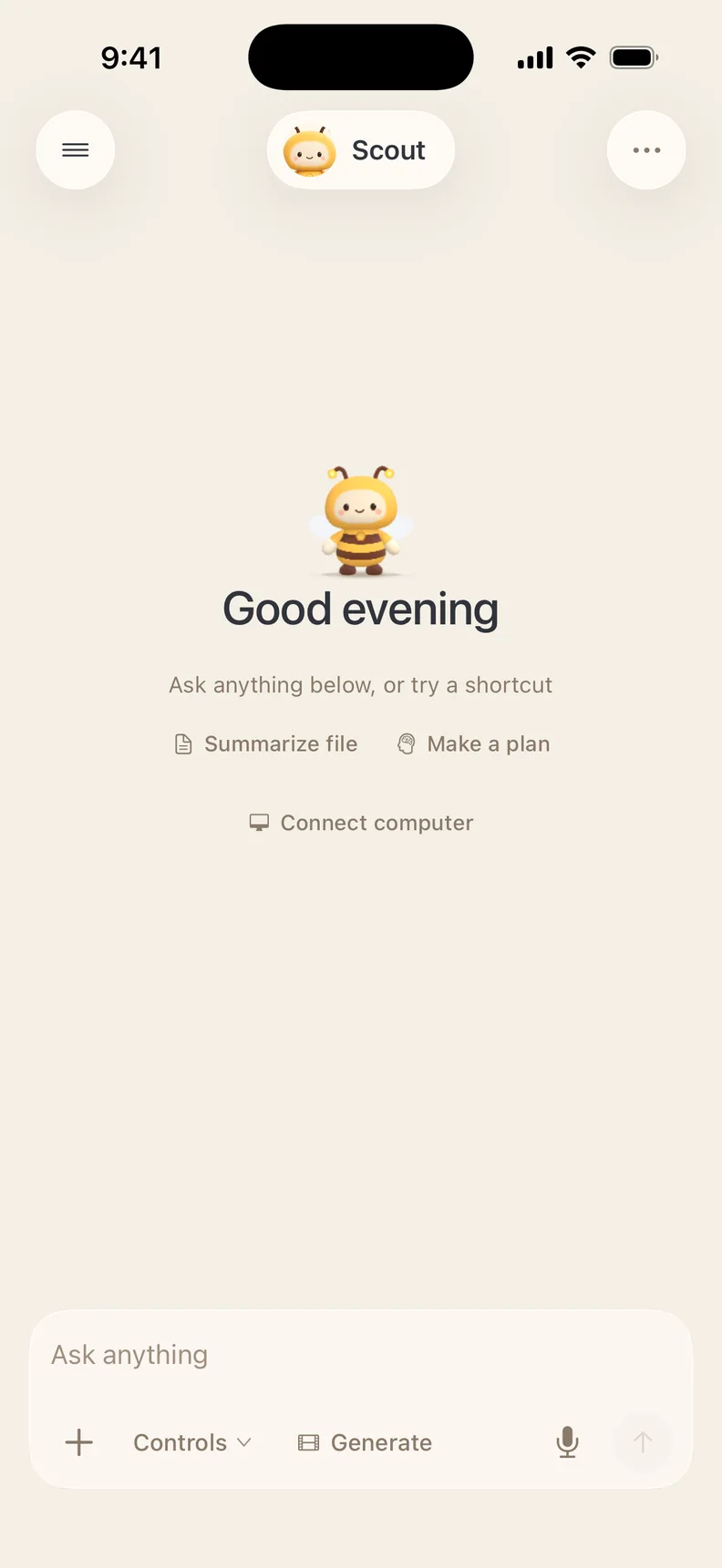
 Do it in chatAsk Scout in plain words. It uses this tool and the rest of HivemindOS for you.
Take it with youDo this and much more on the go with the HivemindOS app for iPhone.
Join the hiveGet in on all the buzz 🐝 New tools, tips and what people are making with them.